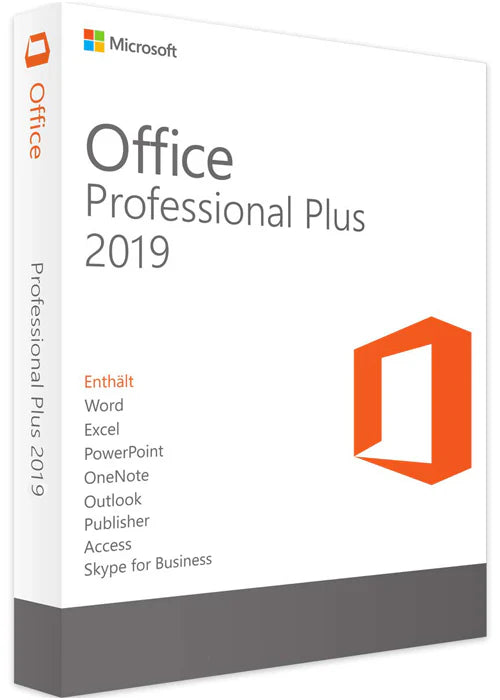
Microsoft Office Professional Plus 2019
Microsoft Office Professional Plus 2019
Couldn't load pickup availability
Buy MS Office Professional Plus 2019 PC Key Phone Activation GLOBAL - Digital Code at the best price through PayPal, Credit Cards, Cryptocurrencies with Instant Delivery on PremiumCDKeys.
MS Office Professional Plus 2019 takes you to the next level of productivity. It includes all the important apps for your projects, contacts, and more.
Programs in Microsoft Office Pro Plus 2019:
- Outlook
- Word
- Excel
- PowerPoint
- Access
- Publisher
- Skype for Business
- OneDrive
After downloading the Setup file, follow these steps:
1. Download the Office Setup file in your language (from thePROVIDED link 2. Double-click or Right-click on the "ProPlus2019Retail.img" file, then click on Mount
3. Double-click or Right-click on the "Setup" file, then click Open
4. Wait for the setup installation to complete
5. Click on Start and open any Office app (for example, open Word)
6. Wait for the Activation screen pop up
7. Now, enter the Product Key you received after purchase, then click on Activate Office
8. An activation Window will show up where you have to select "Activate over the Telephone", and then it will show you the Installation ID screen with a toll-free phone number, which is an automatic bot system
9. Call the automatic bot system and provide it with the Installation ID
10. The bot will provide you with a Confirmation ID that you can enter on the same screen
11. After entering that Confirmation ID, your MS Office will be fully activated
If you run into any problems or have any questions, please reach out to us through our CONTACT US page. Our support team is available 24/7 at your service.